Figma plugin · by Phoenix Dungeon
Quantum-Level Letterform Synthesis™
(it's a font maker inside Figma)
Draw your letters on the canvas, any style you like. Lorem King spaces them, kerns them, builds the accents and hands you real font files.
 This is all just visual.
At its operational core, Quantum-Level Letterform Synthesis™ employs an advanced conceptual framework for the interpretation, refinement and conversion of vector-based character representations into production-oriented font architectures. In plain words: you draw letters, it makes a font. Congratulations, you have just spent valuable time reading about a plugin that makes fonts.
The Royal Procedure
Summon a family
A template appears on the canvas, with a frame and guides for every character.
Draw
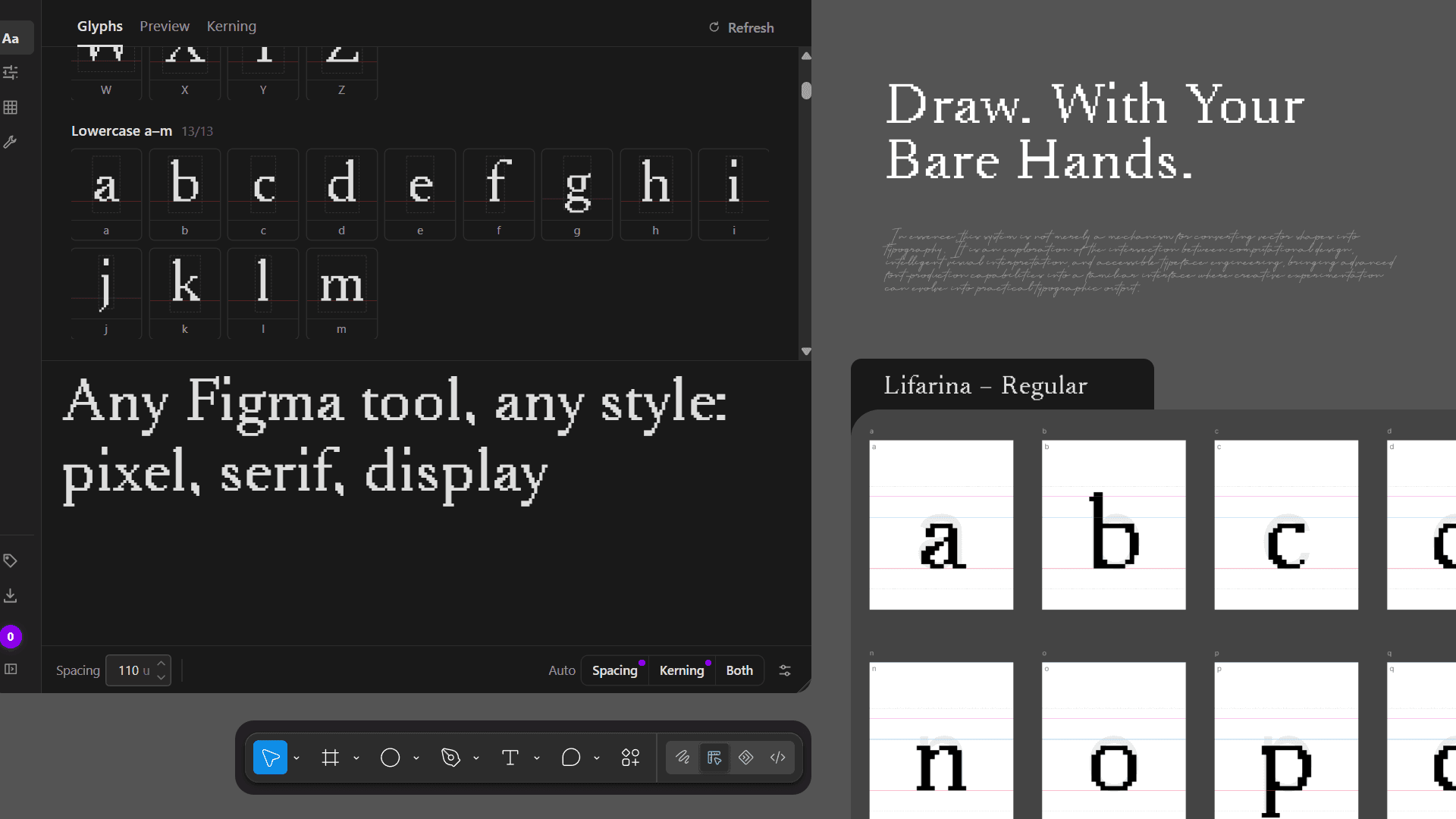
Any Figma tool, any style: pixel, geometric, serif, display.
Auto → Both
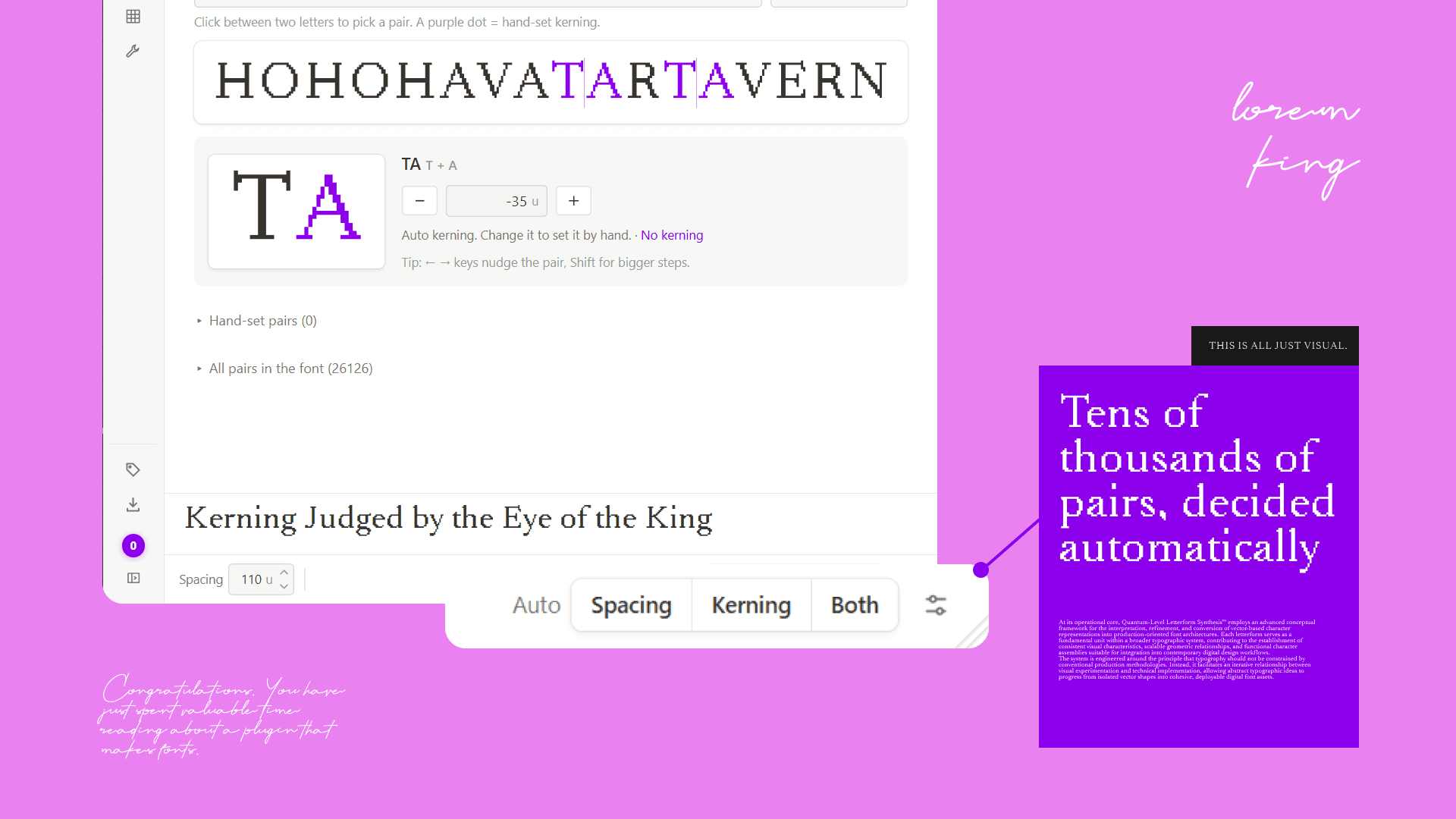
One click spaces every letter and kerns every pair.
Export
OTF and TTF to install, WOFF and WOFF2 for the web.
Summon the Sacred Template
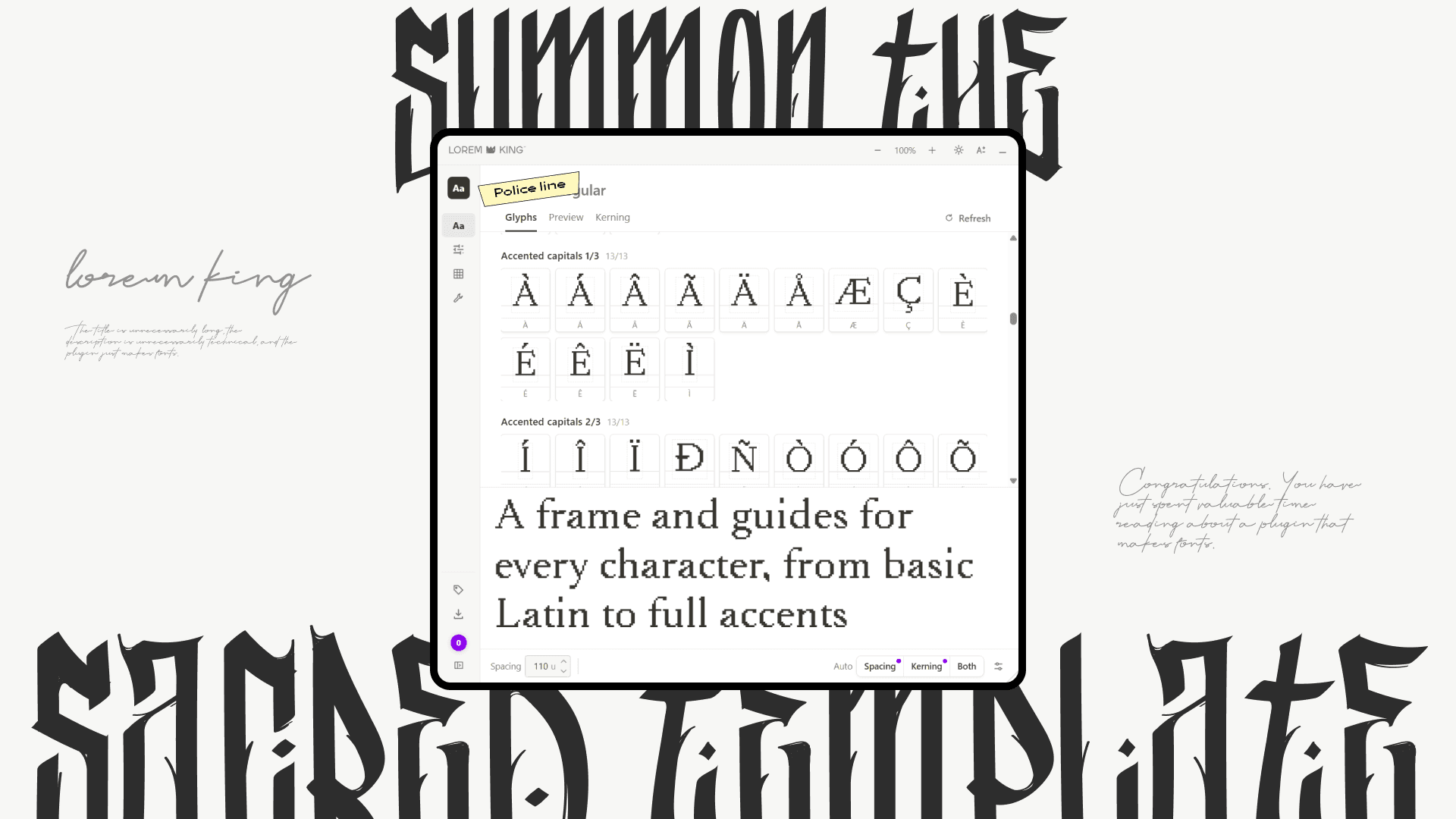
A frame and guides for every character, from basic Latin up to Central European and Vietnamese.
Draw. With Your Bare Hands.
Any Figma tool, any style: pixel, serif, display. Lorem King reads exactly what you drew.
Kerning by Royal Decree
Auto spacing and auto kerning in one click. Tens of thousands of pairs, decided automatically.
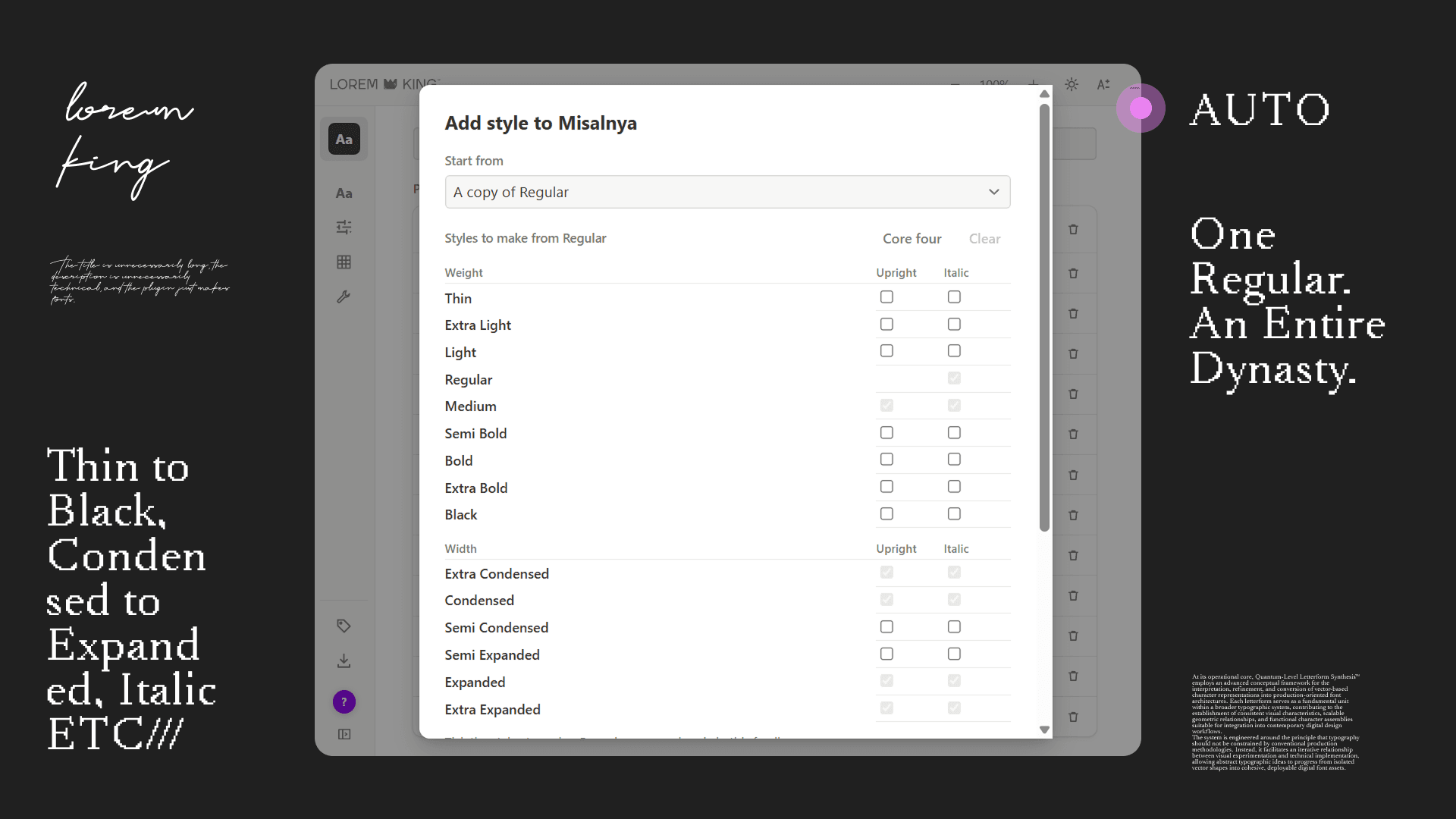
One Regular. An Entire Dynasty.
Thin to Black, ExtraCondensed to ExtraExpanded, and Italic, made from your own strokes.
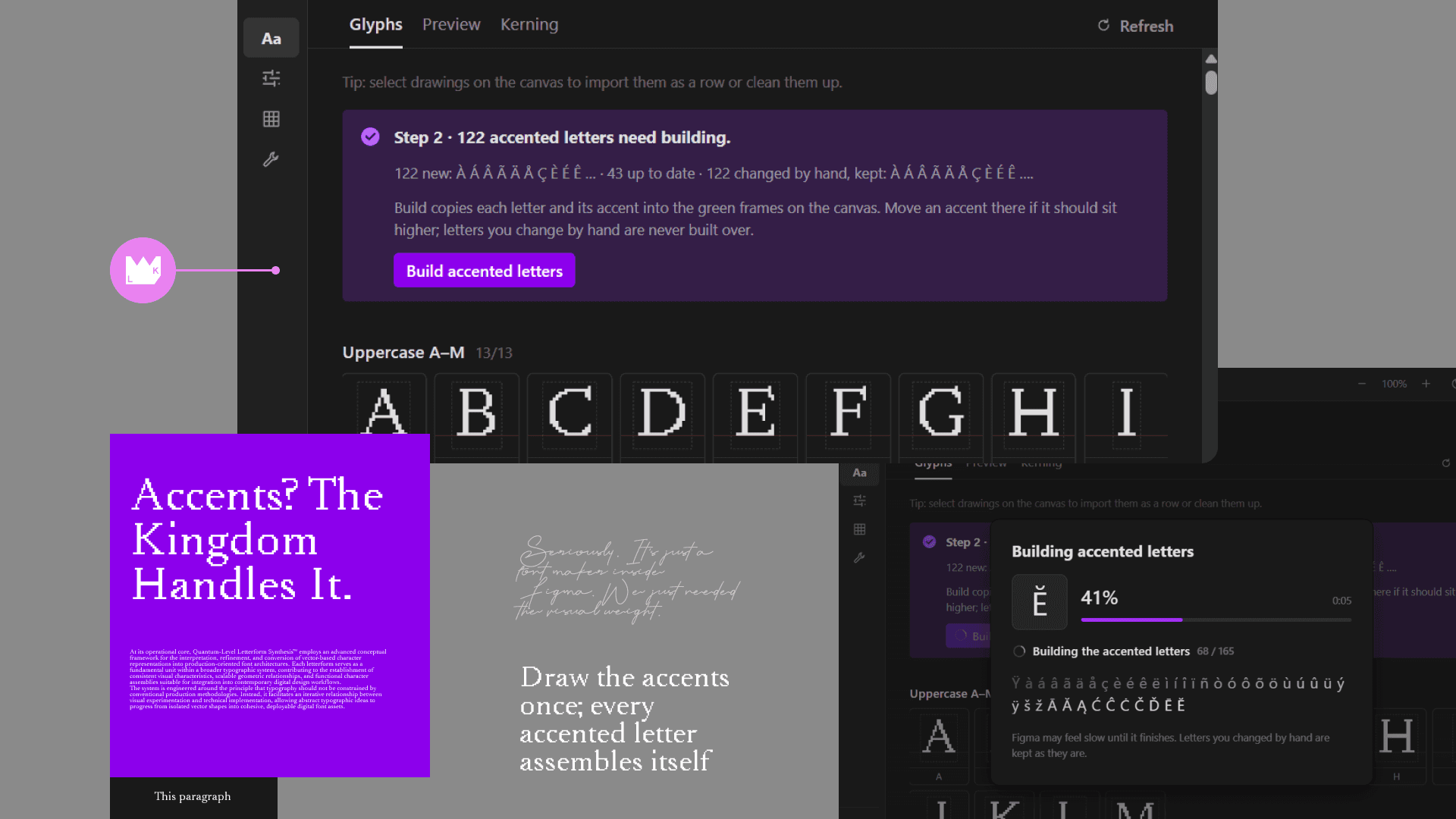
Accents? The Kingdom Handles It.
Draw the accents once; every accented letter assembles itself. Á É Ñ Ş Ģ, and on and on.
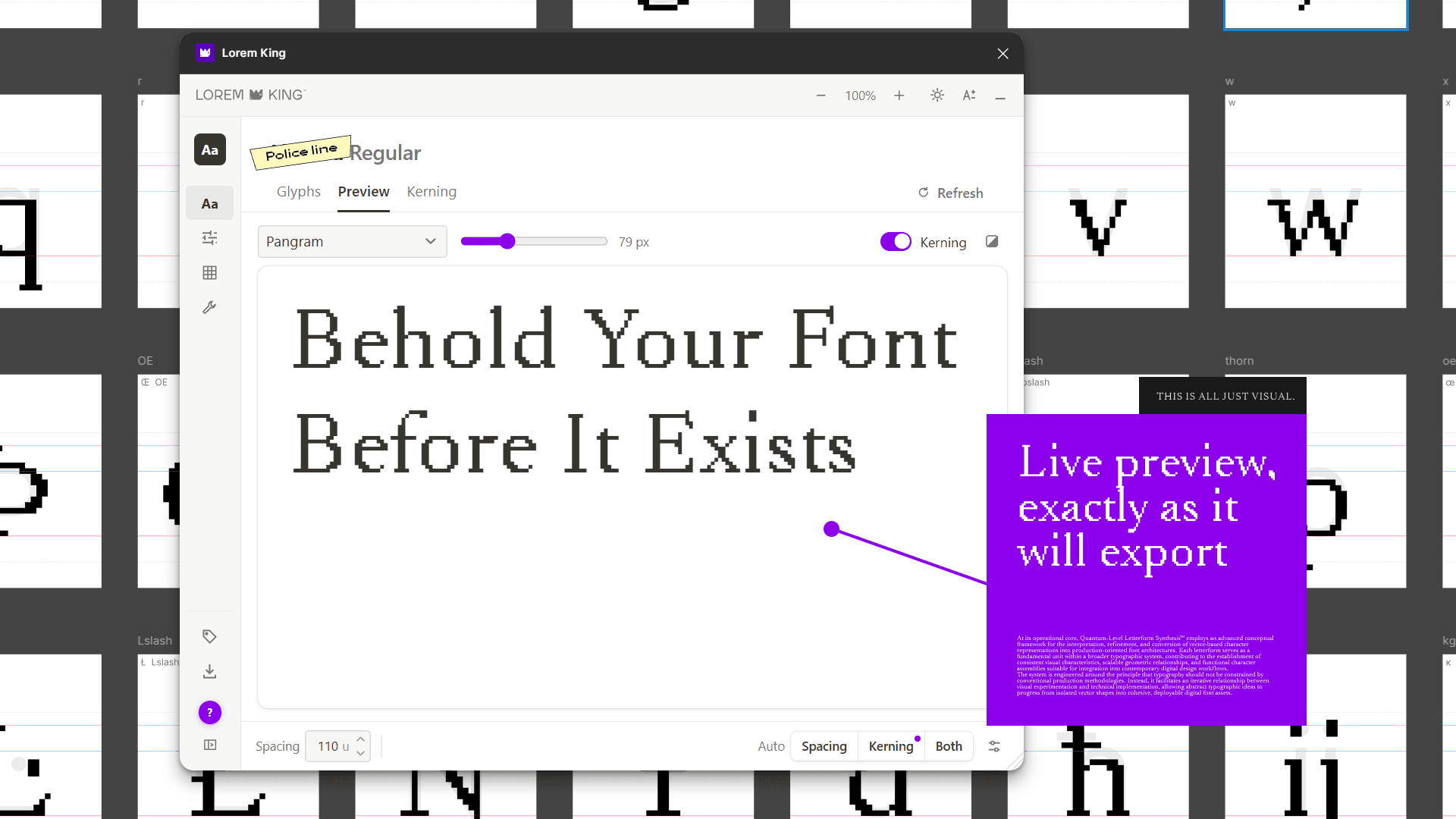
Behold Your Font Before It Exists
Type anything and see it set in your font, exactly as it will export.
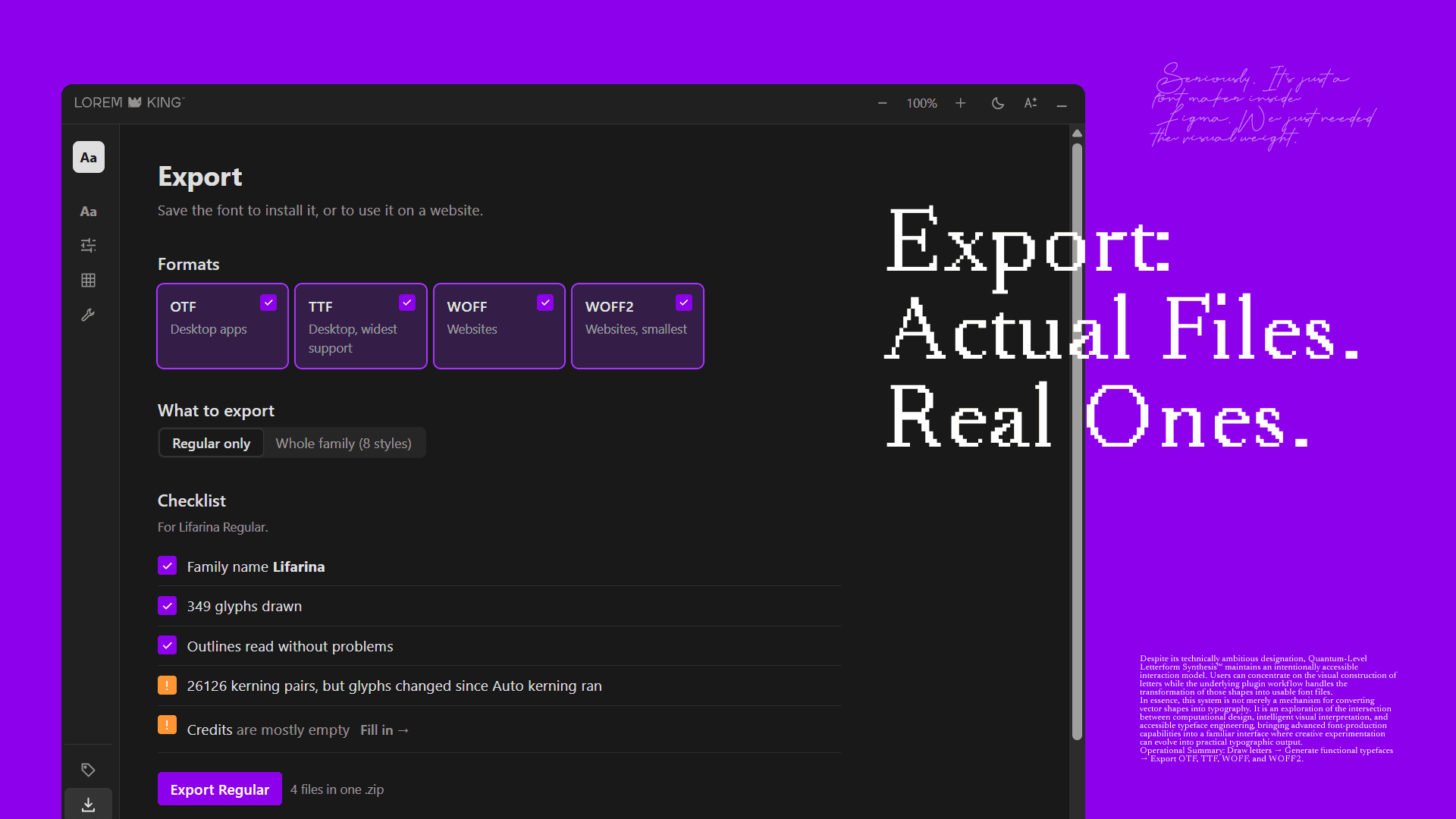
Export: Actual Files. Real Ones.
OTF and TTF to install, WOFF and WOFF2 for the web. A whole family in one go.
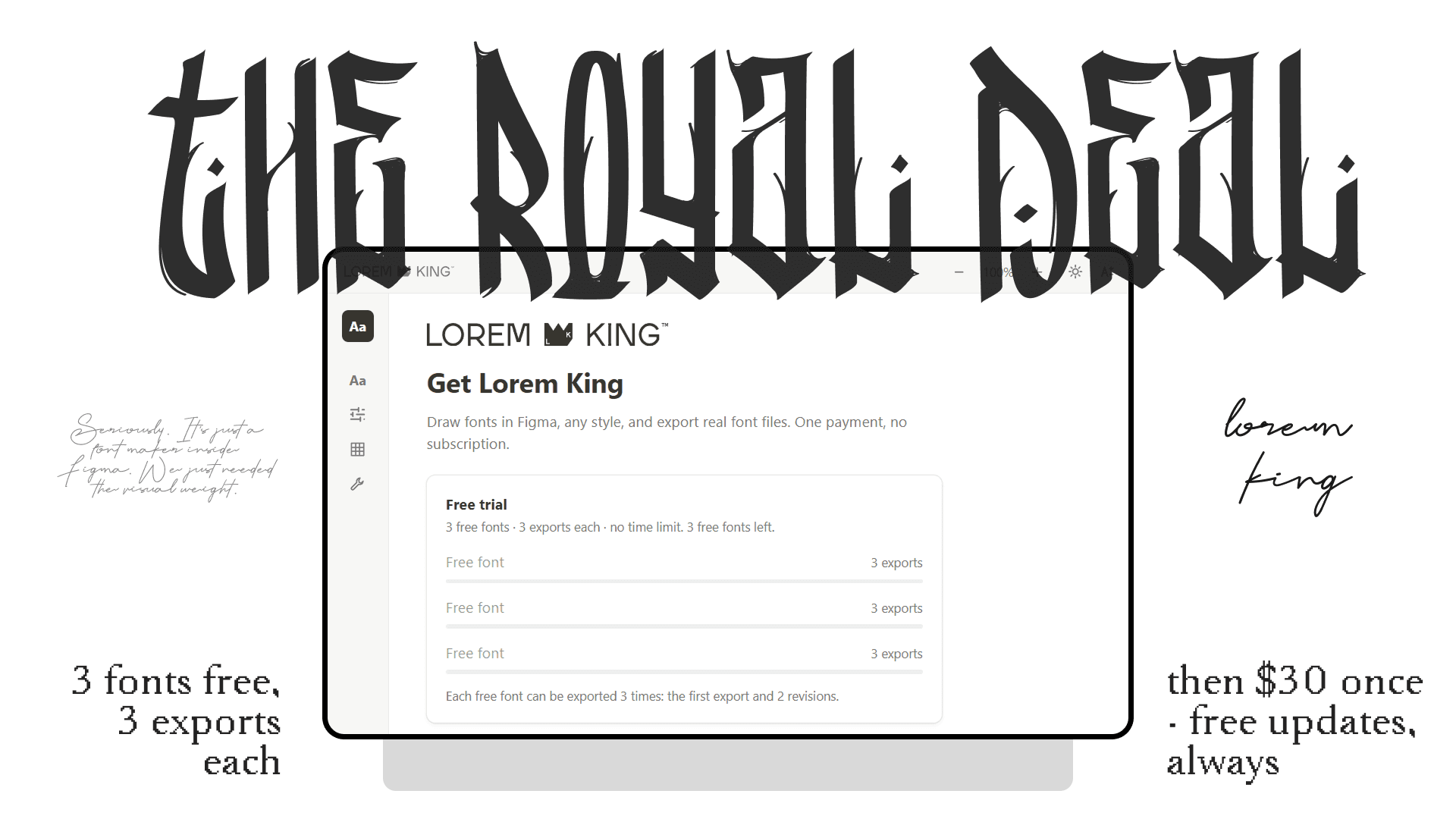
$30
once. that's it.
3 fontsfree first
- 3 fonts free, each exported 3 times (the first export and 2 revisions). No time limit.
- Drawing, spacing, kerning, new styles and the preview: always free.
- Then $30, once. Unlimited exports, every font, in every file, on your Figma account.
- No subscription. Bought and paid through Figma.
- Free updates, always. The King draws his own fonts with it every day.
Asked by Mere Mortals
- Do I need to be a type designer?
- No. You draw the letters; Lorem King takes care of the technical parts: spacing, kerning, accented letters and the font file itself.
- Where are my fonts kept?
- In your own Figma file. The font files you export go straight to your computer.
- Can I keep improving a font after exporting it?
- Yes. Export again whenever you like: the trial gives every free font two revisions, and after buying exports are unlimited.
- Can I start from a font I already have?
- Yes. Import an OTF, TTF or WOFF and every letter lands on the canvas as editable shapes, with its spacing kept. Only import fonts you are allowed to modify.
- Where does it run?
- In the Figma desktop app and Figma in a desktop browser. Figma doesn't run plugins on iPad.
Seriously. It's just a font maker inside Figma. We just needed the visual weight.
Get it on Figma →