October 30, 2026
How to Use Pixel Fonts on a Website Without Hurting Readability
A pixel font can look crisp or blurry on the web depending on sizing and setup. Practical steps for sizes, formats and readability so pixel type stays sharp.
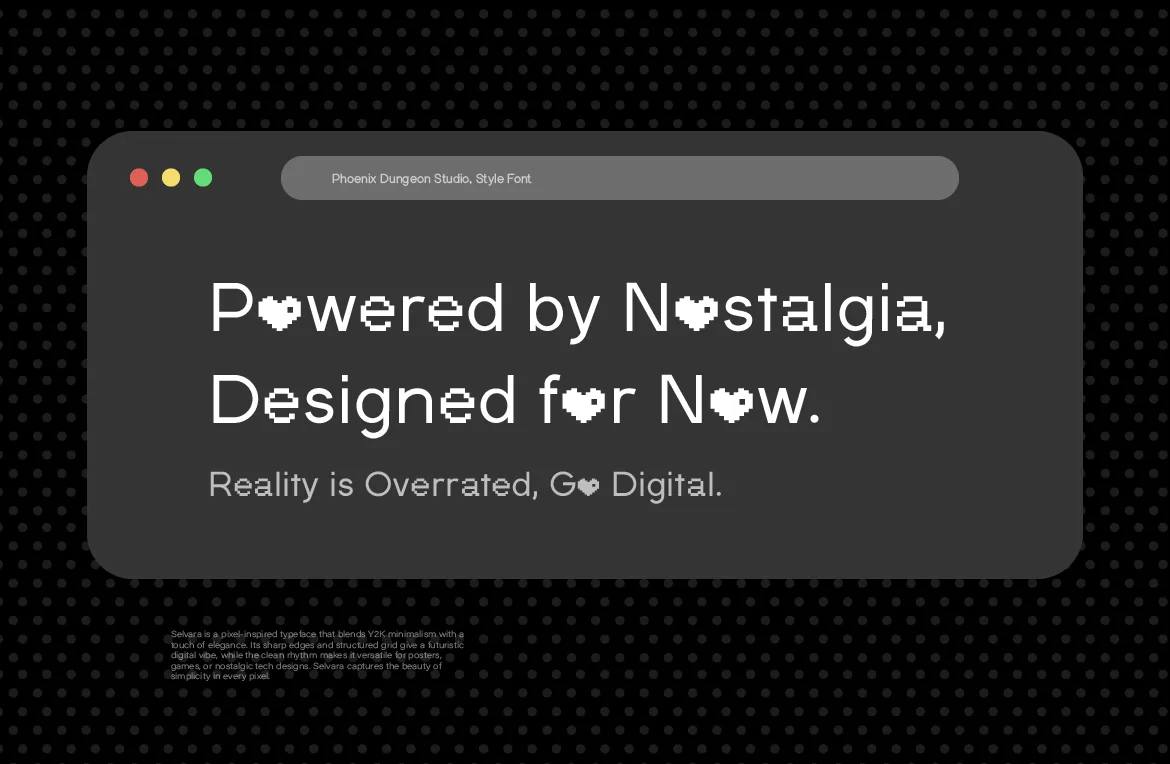
Put a pixel font on a website and two things can happen. It looks crisp, deliberate and full of character. Or it looks slightly blurry, uneven and hard to read, and you can't tell why. The font is usually not the problem. The setup around it is.
This guide covers the practical side of using pixel fonts on the web: how to size them, which file formats to use, how to keep them readable and fast, and what license you need to put one on a site.
Why Pixel Fonts Behave Differently on the Web
Most typefaces are built from smooth curves that scale to any size. A pixel font is built from a grid. Every shape is a set of small squares, and the design only looks crisp when those squares line up with the pixels your screen actually draws.
That means two things. First, pixel fonts are more sensitive to size than other fonts. Second, small mistakes in sizing, scaling or spacing are visible in a way they aren't with a flowing serif. The good news is that once you know the rules, they're easy to follow.
Step 1: Set the Right Size
Every pixel font is designed on a base grid. The font looks sharpest when you set it at that base size, or at whole-number multiples of it. If a font is drawn on an 8-unit grid, sizes like 16, 24 and 32 pixels usually look cleaner than sizes like 17 or 21.
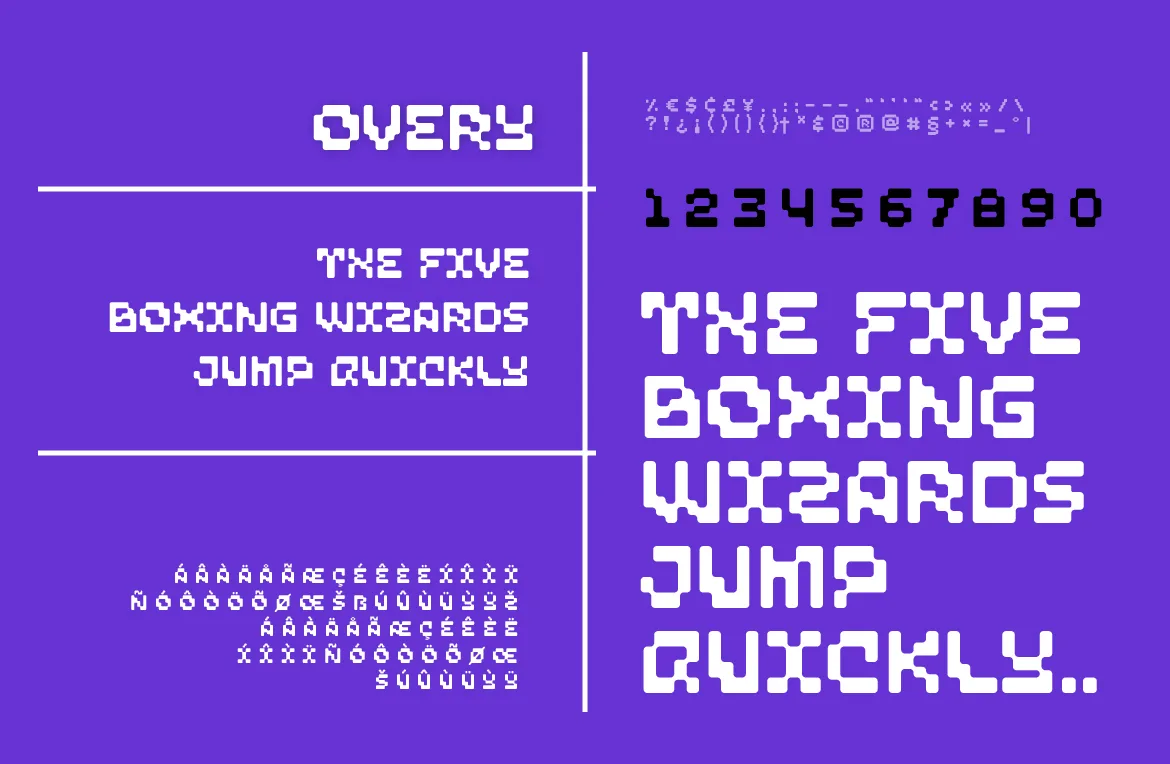
Check the font's documentation or test a few sizes on a page and look closely at the edges. When a size is off the grid, the browser has to blend pixels to approximate the shape, and the letters look softer or uneven.
For Phoenix Dungeon fonts, testing is the reliable route. They're drawn as vector outlines with pixel construction, and the size of one "pixel" differs from family to family, so there's no single magic number that fits all six. Set your headline at a few sizes a couple of pixels apart, view it at 100% zoom, and keep the size where the edges look crispest.
Some practical habits help here:
Prefer whole-pixel sizes. If you define sizes in relative units such as rem or em, make sure the final computed size doesn't land on a fraction of a pixel.
Use whole-pixel line heights. Fractional line heights can make lines look unevenly spaced.
Be careful with fluid type. Sizes that scale smoothly with the viewport, for example with clamp(), will pass through many off-grid sizes. For pixel fonts, consider stepping between a few fixed sizes at breakpoints instead.
Different screens also render text differently, and high-density displays generally show pixel fonts more cleanly. Test on the devices your visitors actually use, not only your own.
Step 2: Use the Right File Format
For the web, use WOFF2. It's a compressed font format supported by all modern browsers, and it keeps file sizes small so your text appears quickly. WOFF is a reasonable fallback for older browsers.
Every Phoenix Dungeon purchase includes OTF, TTF, WOFF and WOFF2 files, so you get a web-ready format with the same download you'd use for design work.
A few loading habits are worth adopting:
Self-host the file. Serving the font from your own domain avoids extra connections and gives you control over caching.
Set font-display. A value like swap shows fallback text immediately and swaps in the pixel font when it loads, so visitors are never staring at invisible text.
Preload the key file. If a pixel font is used for your main headline, preloading it helps it appear sooner.
Load only what you use. If a family has several weights, only include the weights your design uses. Each one is another file to download.
Step 3: Use Pixel Type Where It Belongs
The single biggest readability decision is where you use the font. Pixel type shines in short, prominent text and struggles in long paragraphs. On a website, a sensible split looks like this:
Use the pixel font for: the logo or wordmark, hero headlines, section titles, buttons, labels, navigation and short callouts.
Use a conventional font for: body paragraphs, long descriptions, forms with a lot of text and anything people read for more than a few lines.
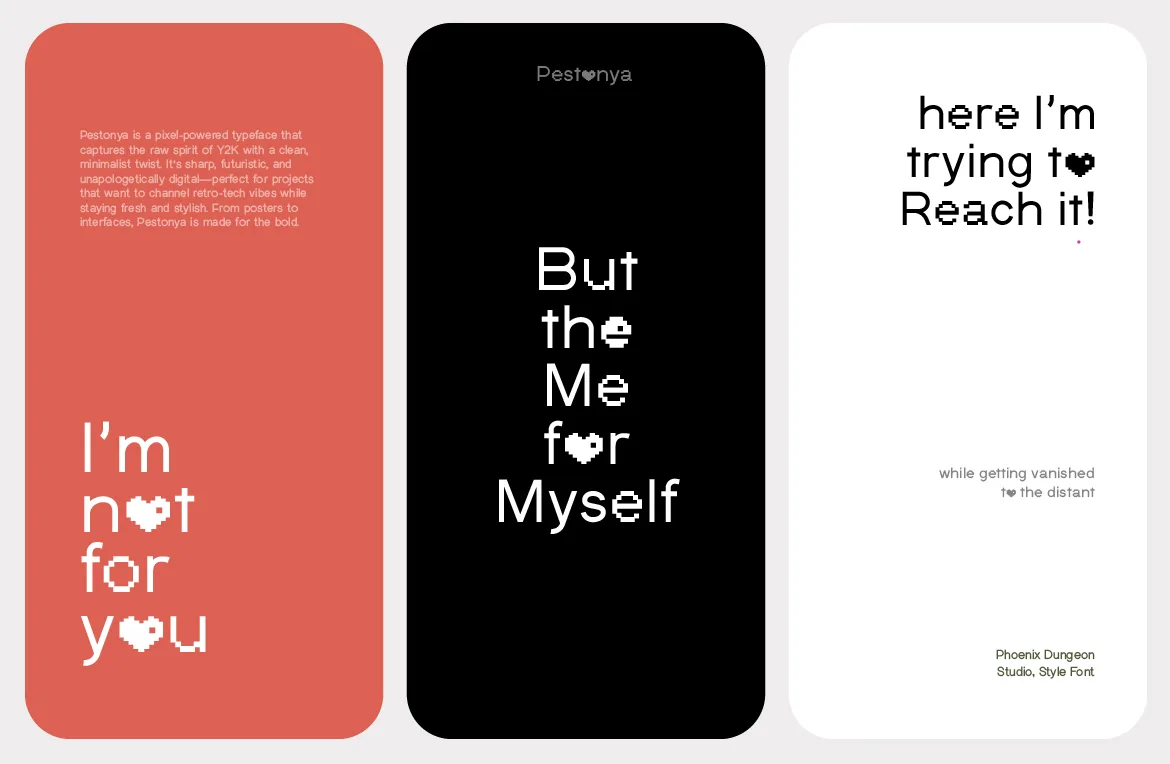
This is how we set up our own site: article titles here are set in Pestonya, which works at that size because it's a display face with four full weights and a sharp, futuristic edge. If you're deciding whether a pixel font belongs in a given spot, our guide on when to use a pixel font and when not to goes deeper.
Step 4: Protect Readability
Contrast. Aim for strong contrast between text and background. The Web Content Accessibility Guidelines recommend a contrast ratio of at least 4.5:1 for normal text, and pixel text with thin strokes benefits from being well above that.
Size floors. Don't set pixel type smaller than the size it was designed for. If it needs to be small, choose a font built for small sizes, or use a different typeface for that job.
Letter and word spacing. Pixel letterforms are dense. Slightly generous spacing helps them stay distinct, especially in all-caps headlines.
Line length. If you do set a few lines in pixel type, keep the lines short so the eye doesn't have to travel far.
Avoid stacking effects. Shadows, glows and outlines on top of a grid usually reduce clarity. One effect, used deliberately, is plenty.
Provide a fallback. Choose a fallback font in your CSS that looks reasonable if the pixel font fails to load, so the layout doesn't collapse.
Step 5: Handle Font Smoothing Carefully
Browsers usually apply anti-aliasing to text, which smooths edges. On smooth fonts that's helpful. On pixel fonts it can soften the crisp edges you want. Some developers try CSS properties to change this, but options such as -webkit-font-smoothing are non-standard, work only in some browsers and don't behave consistently. Don't build your design around them.
The dependable approach is the one already covered: use the right size, use whole-pixel values and test on real devices. If a font still looks soft at its correct size, try a slightly larger multiple, since larger text has more room for the grid to read clearly.
A Minimal CSS Setup
Here's what a clean setup can look like in practice. The file name and sizes are examples; adjust them to your font and its design grid.
@font-face {
  font-family: "PixelDisplay";
  src: url("/fonts/pixel-display.woff2") format("woff2");
  font-display: swap;
}

h1, h2 {
  font-family: "PixelDisplay", monospace;
  font-size: 32px;
  line-height: 40px;
  letter-spacing: 0;
}

body {
  font-family: system-ui, sans-serif;
}
A few things to notice. The pixel font is applied only to headings, and the body keeps a readable system font. The sizes and line height are whole numbers of pixels, chosen so the size is a multiple of the font's grid. The fallback is a monospace font, which looks closer to pixel type than a proportional serif would if the file fails to load.
If your design has several breakpoints, define a fixed size for each one instead of a fluid value. It takes a few more lines, but it keeps the grid aligned at every width. Then check the result in more than one browser, since text rendering differs slightly between them.
Which License Do You Need for a Website?
Putting a font on a website is different from installing it on your computer. Phoenix Dungeon's Web Font tier covers deploying the font as a webfont on personal and small-business websites, and it includes the Desktop tier. If the same font also appears in paid ads, a logo, printed products or an app, you'll need the tier for the broadest use. Each tier includes everything below it.
The full breakdown is in our pixel font license guide. Prices can change, so the font's page always shows the current price and exact rights for each tier.
Frequently Asked Questions
Why does my pixel font look blurry on my website?
The most common cause is a font size that doesn't line up with the font's design grid. Try whole-pixel sizes that are multiples of the base size, avoid fractional line heights and test on a high-density screen.
Should I use a pixel font for body text?
Usually not. Use it for headlines and short text, and pair it with a readable typeface for paragraphs.
Will a pixel font slow my website down?
Not if you use WOFF2, self-host the file, load only the weights you need and set font-display. A single well-compressed font file has a small effect on performance.
Is a pixel font accessible?
It can be, when you use it thoughtfully. Keep contrast high, keep it out of long reading, don't go below its designed size and make sure the page still works if the font doesn't load.
The Short Version
Set the size on the grid, use WOFF2, keep pixel type for short prominent text, protect contrast, test on real devices and license the font for web use. Do that and a pixel font can carry your whole site's personality without costing readability. When you're ready to choose one, the full catalog is the place to start.
Related Articles
All articlesOct 23, 2026Typography Basics
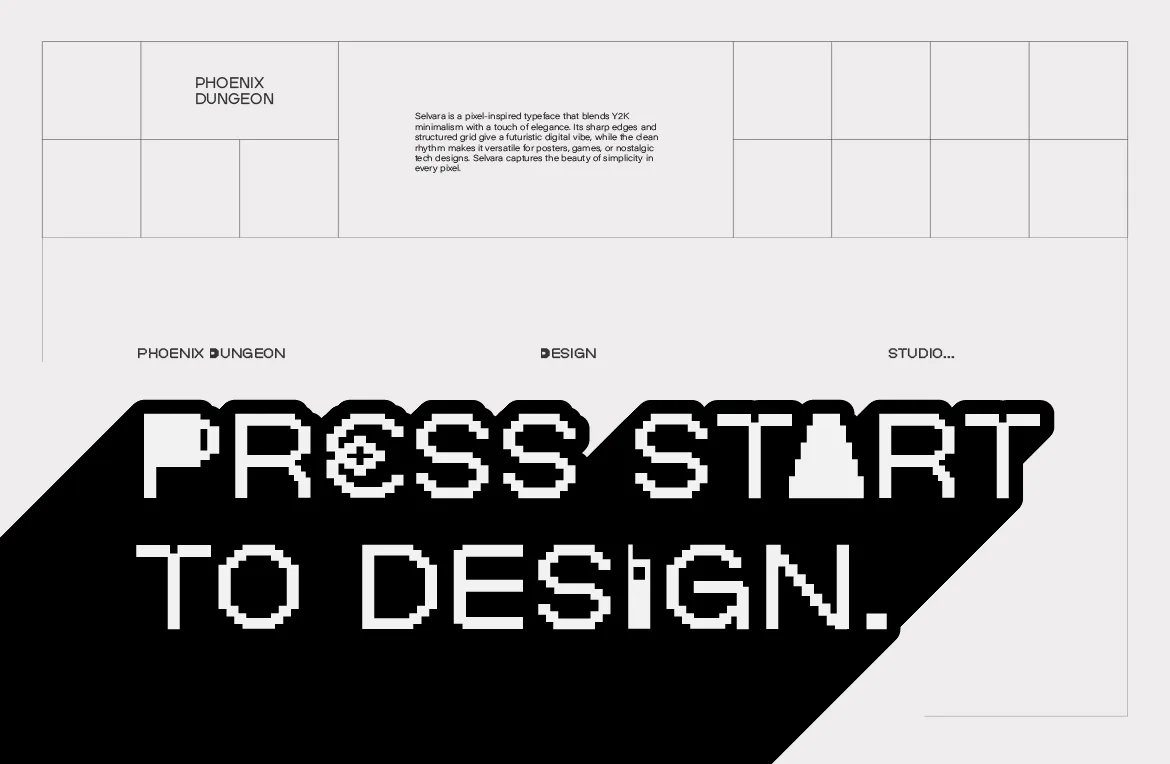
When to Use a Pixel Font (and When Not To)
Pixel fonts are powerful and easy to misuse. A straight-talking guide to when a pixel font is the right call, and when another typeface will serve you better.
Read more
Oct 20, 2026Pixel Fonts
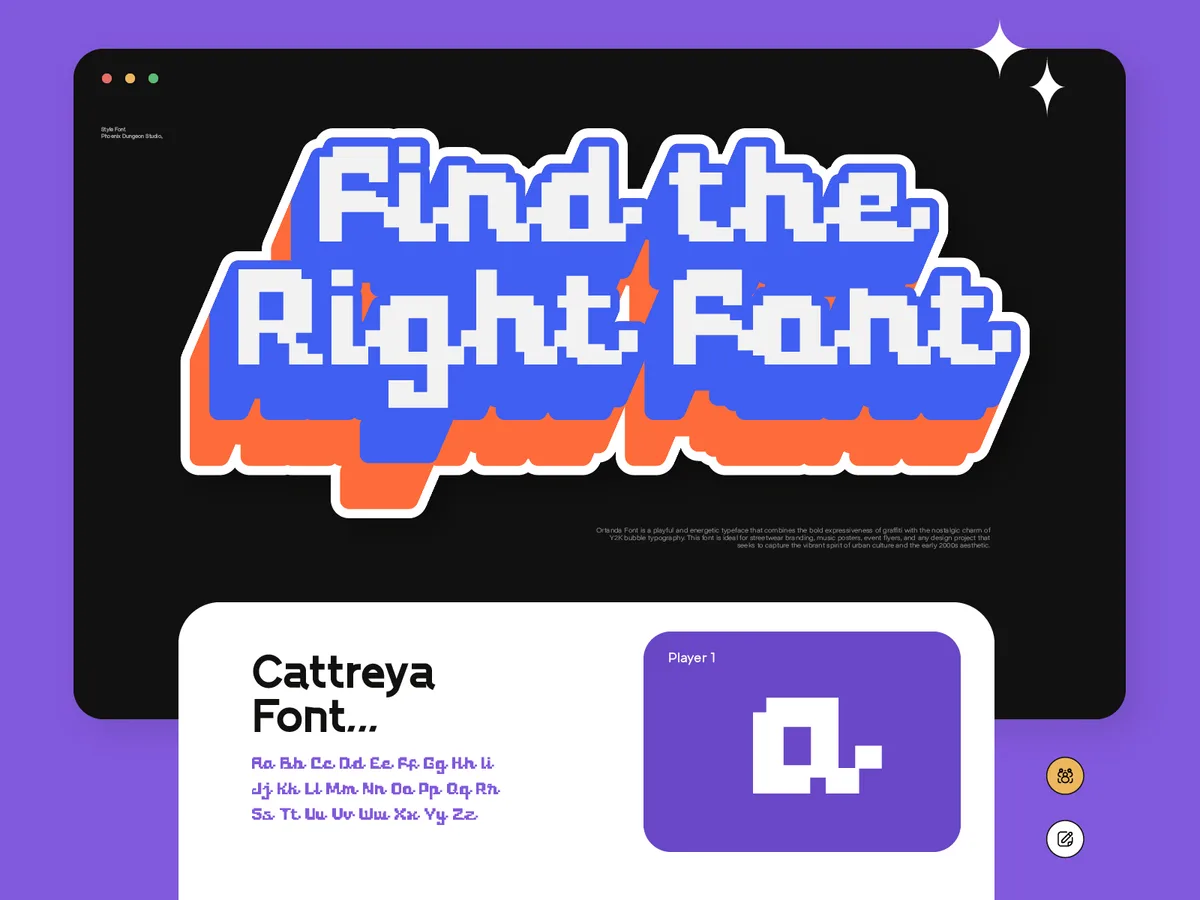
Pixel Fonts Have Always Fit Everywhere. Designers Just Forgot to Notice.
From government interfaces to streetwear lookbooks, pixel fonts have done a different job in every era. Why the category fits more than its reputation suggests.
Read more
Oct 16, 2026Game Design

Pixel Fonts for Indie Game UI: What Actually Stays Readable
Pixel type can make a game interface feel cohesive or quietly unusable. What keeps menus, dialogue and HUDs readable, and which license covers a shipped game.
Read more